Synology Download Station clientDS get replacement
Native on your iPhone and Mac
Quickly connect to your Synology NAS to add tasks, pause downloads, and check progress anytime.
Currently available through TestFlight; supports iOS 18.6+ or macOS 15.6+
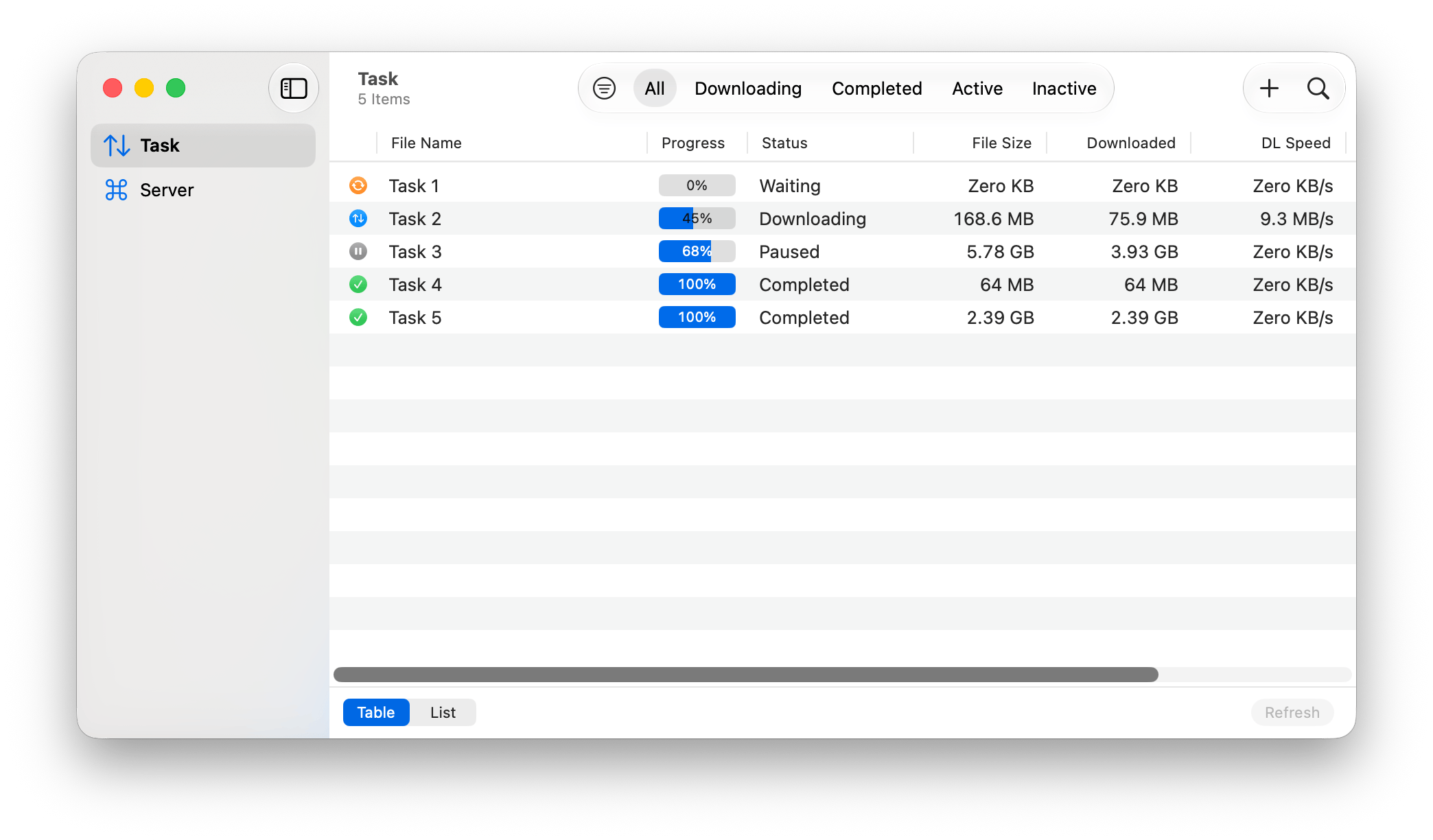
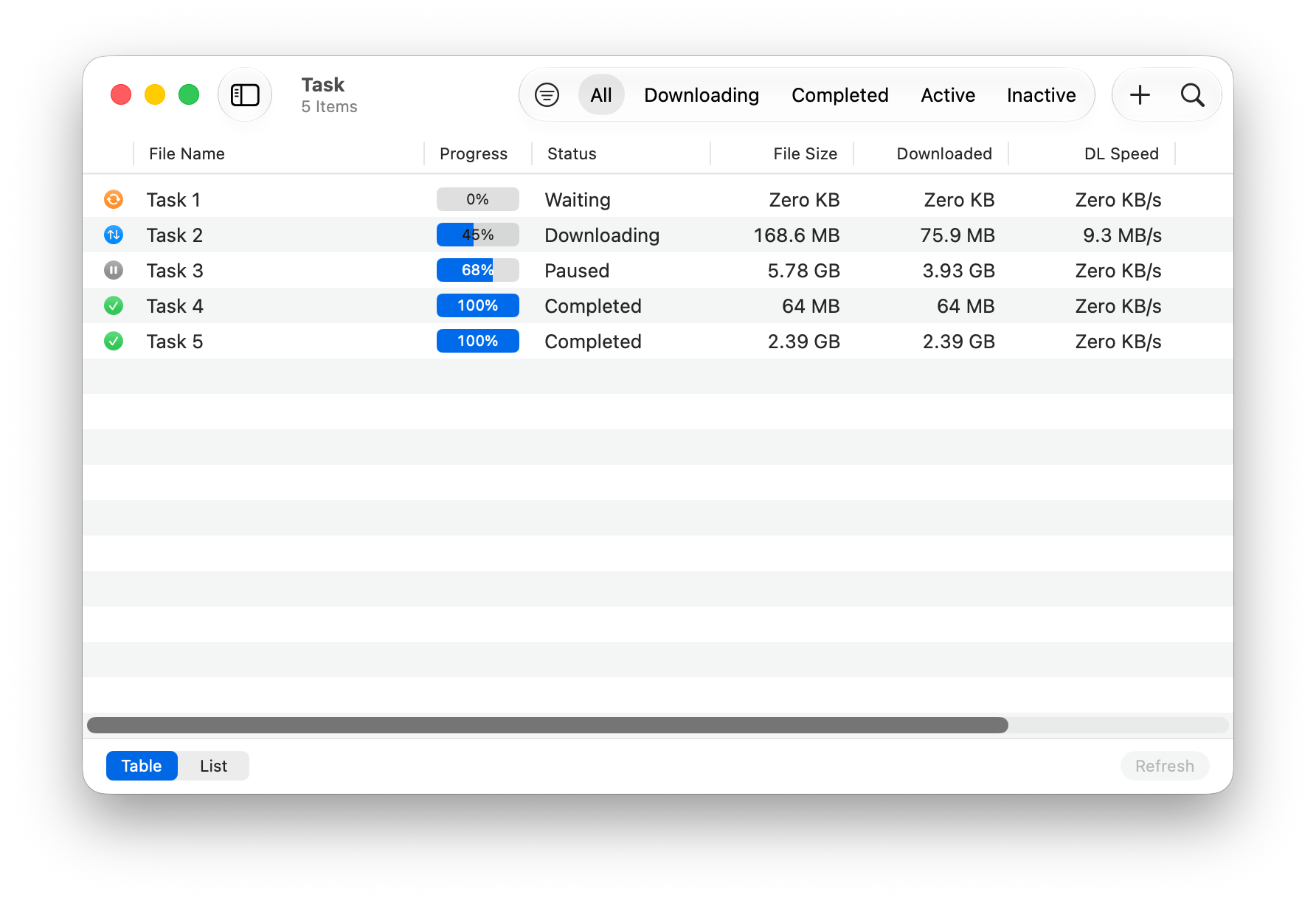
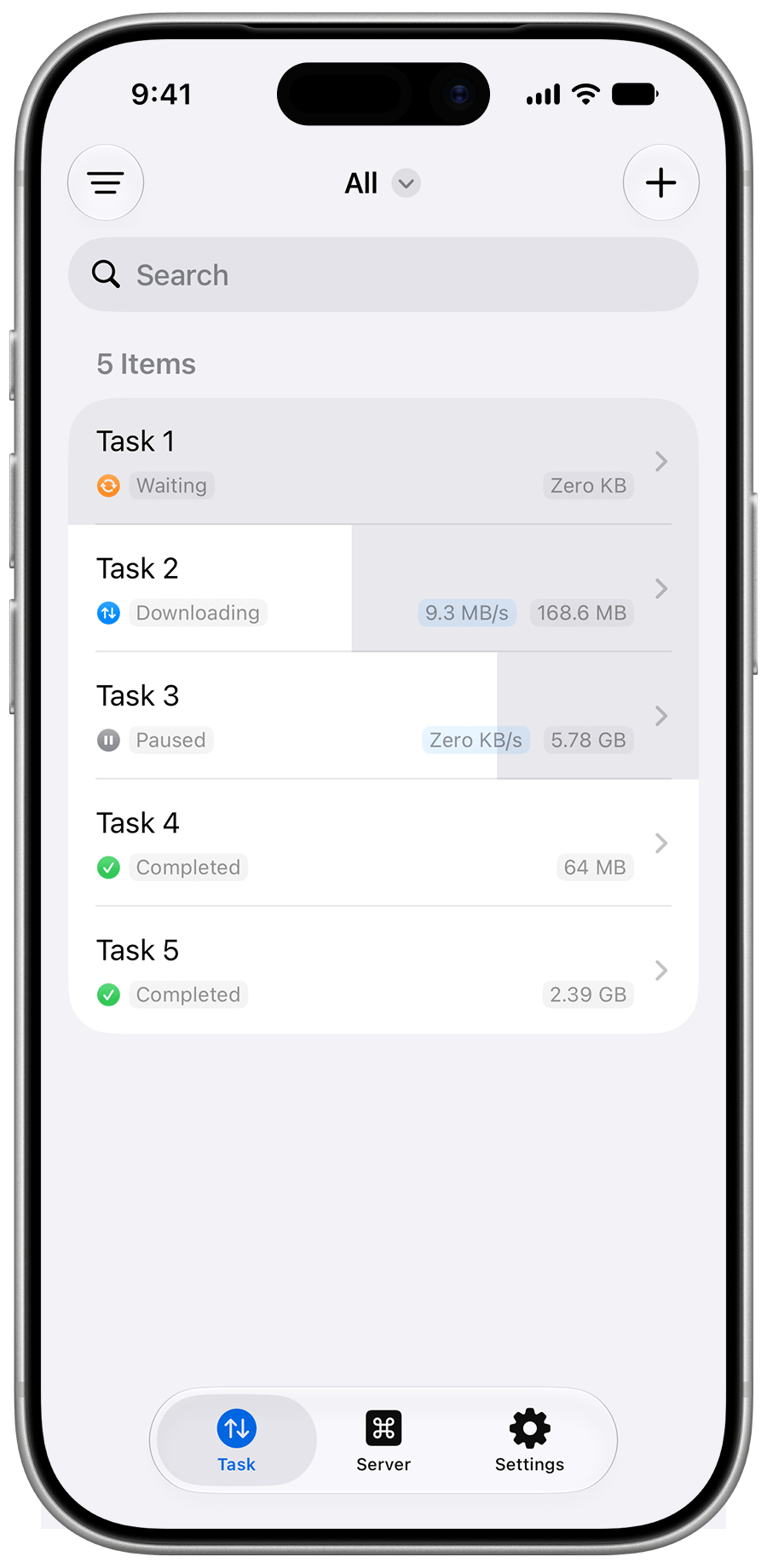
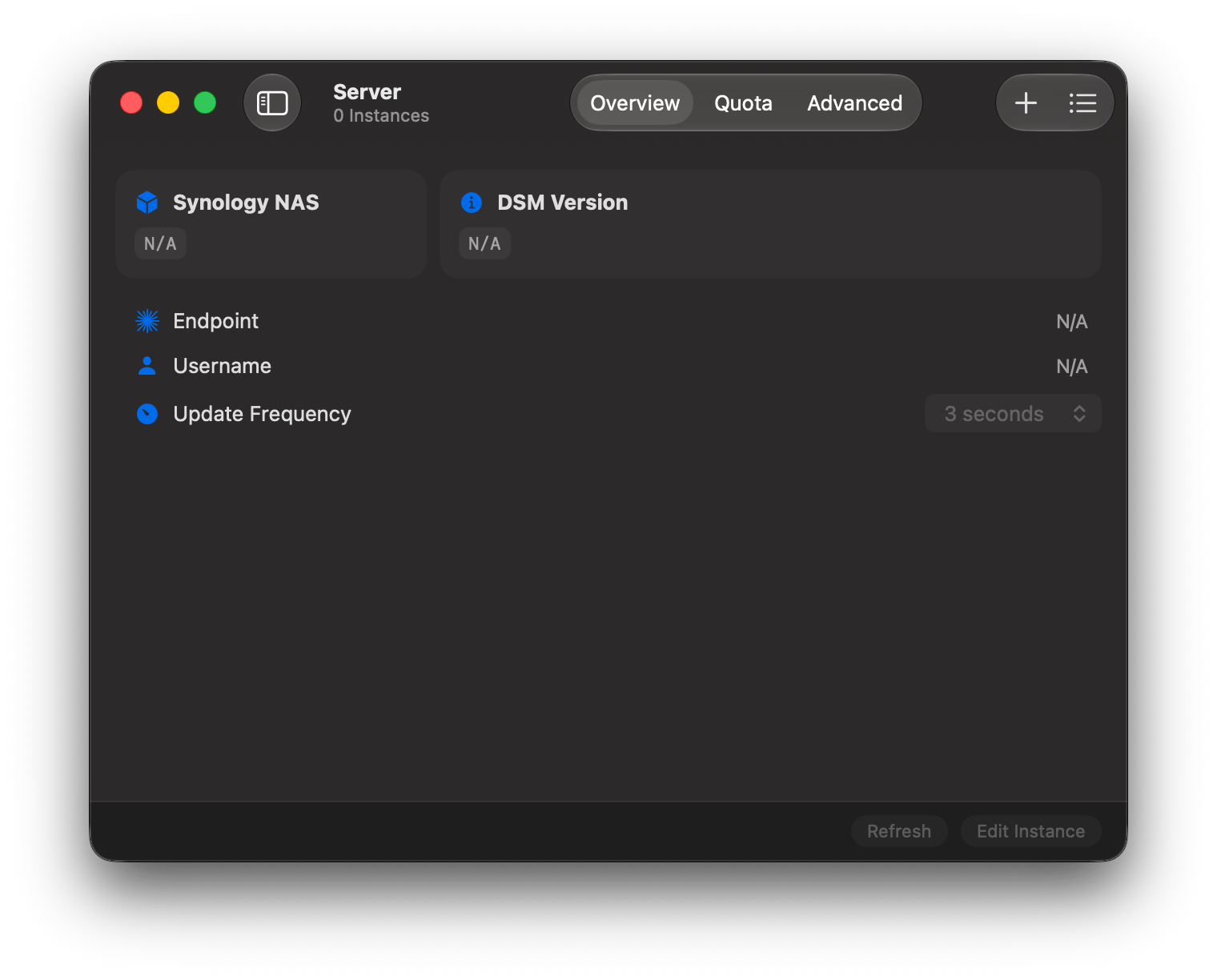
💥 Native. Through and through
One with your Apple devices. Everything at hand, as if it were always meant to be.
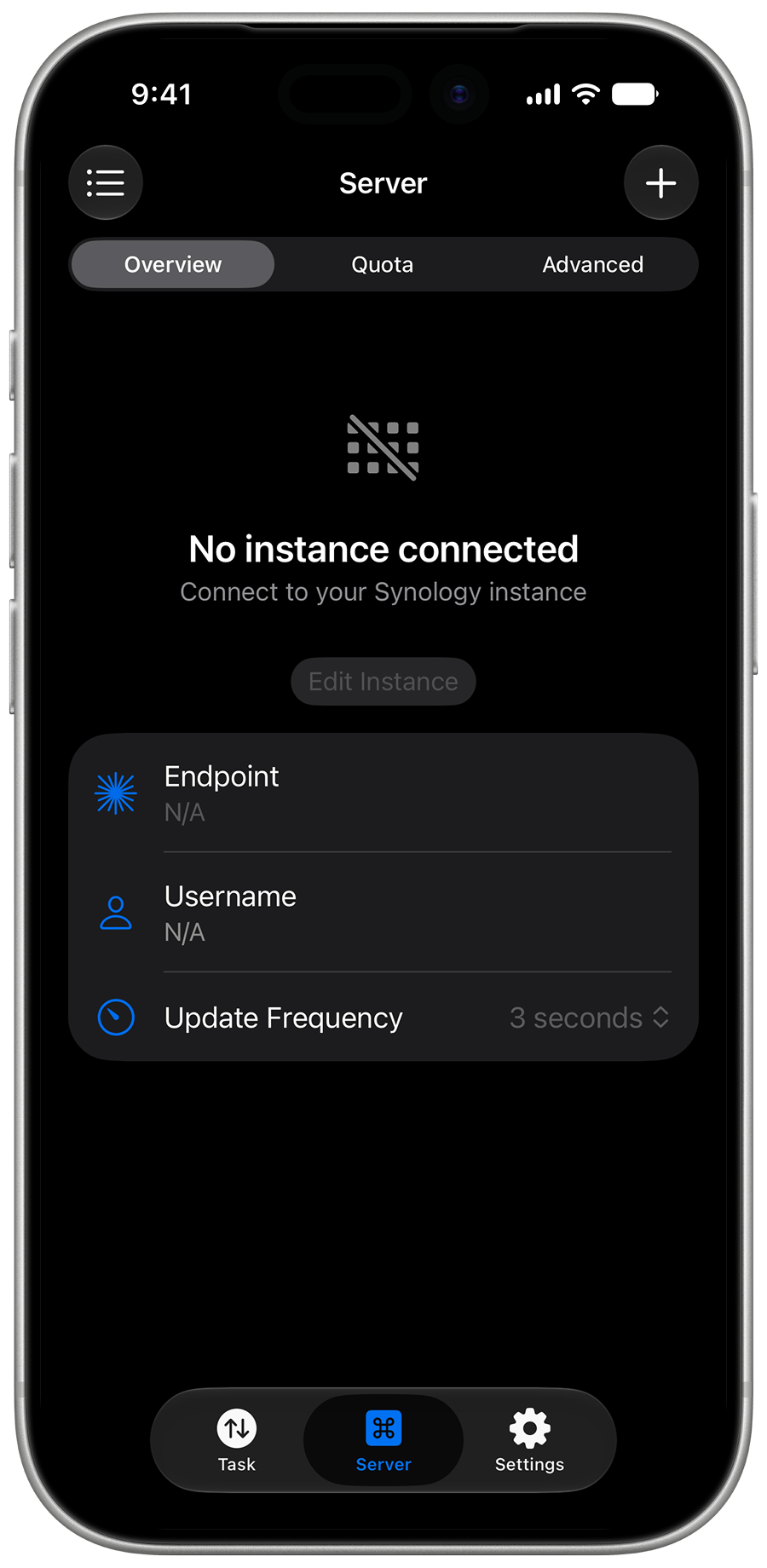
Dark Mode
Widget
Dynamic Island
🚀 QuickConnect — up to 7x faster
Swads finds the fastest route to your Synology NAS — automatically.
Benchmark Environment
MacBook Pro (14-inch, 2021)
Apple M1 Pro32 GB RAMmacOS 15.0 Sequoia
China Unicom (Yunnan) broadband servicesSafari Timelines TabChrome Performance monitor panelThe smaller the value, the better
Swads0.51 sec
Safari 18
3.76 secChrome 129
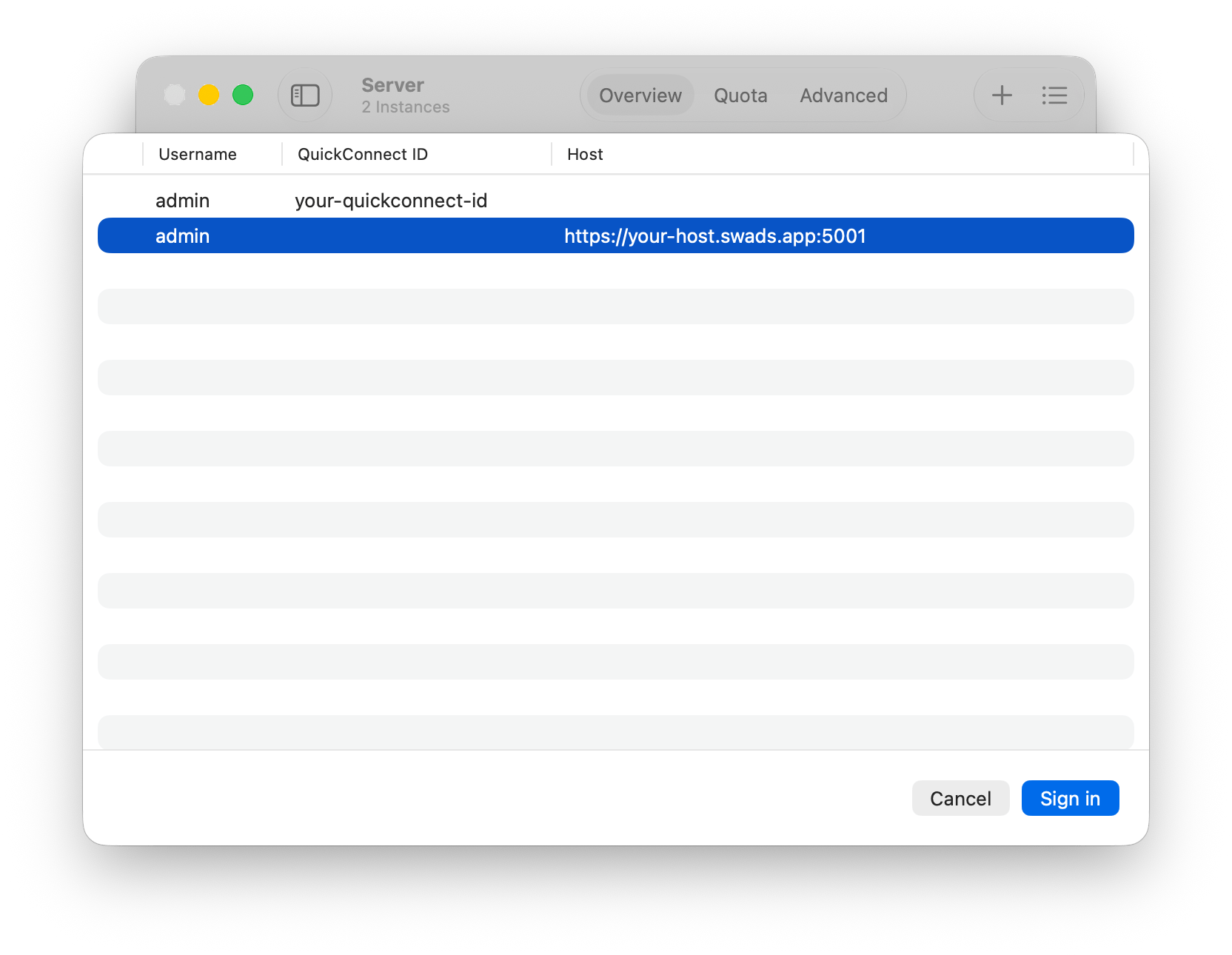
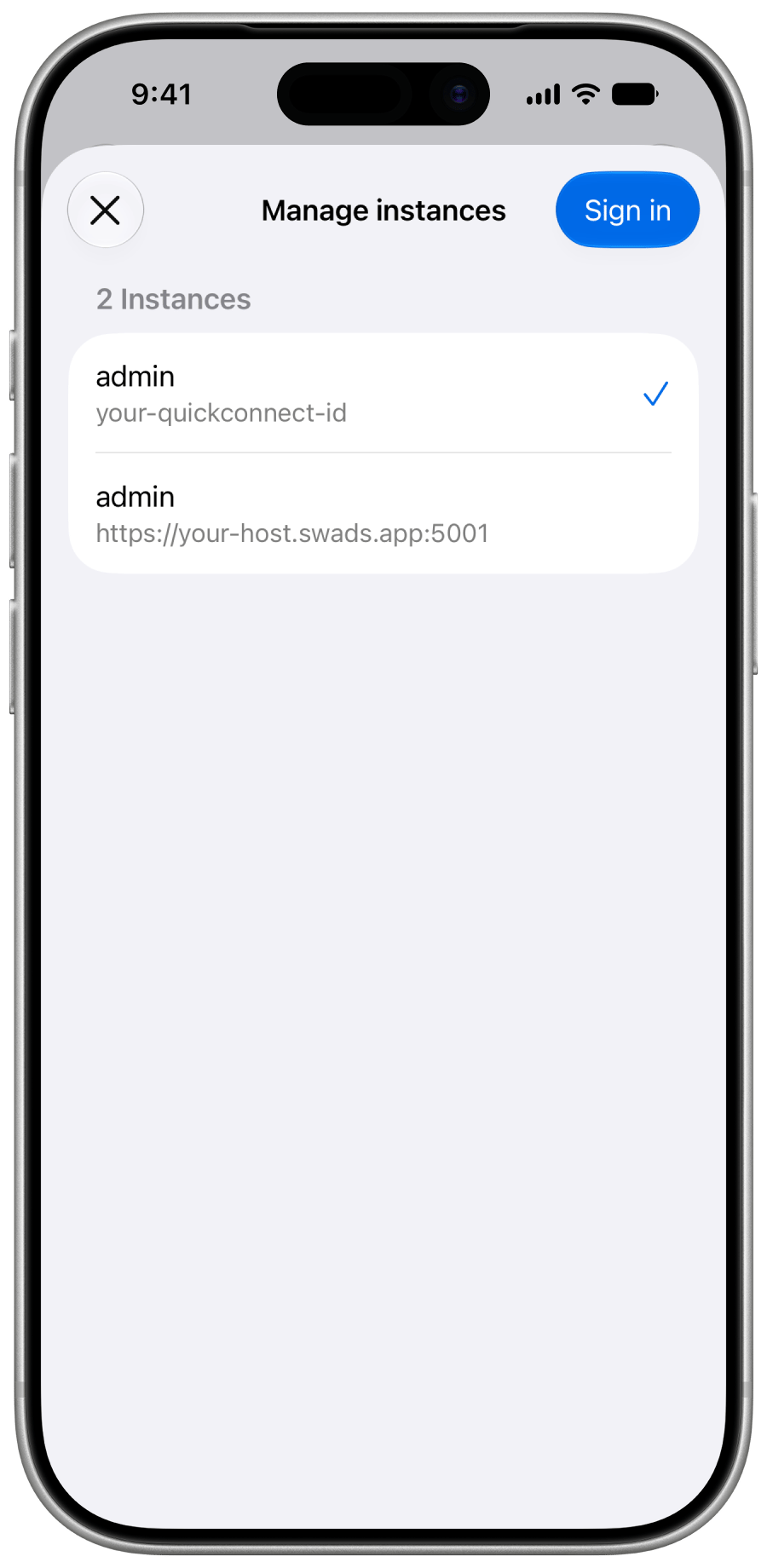
3.94 sec📡 All your instances in one place
Switch between any number of Synology NAS — with QuickConnect or a direct address.
Add Instance
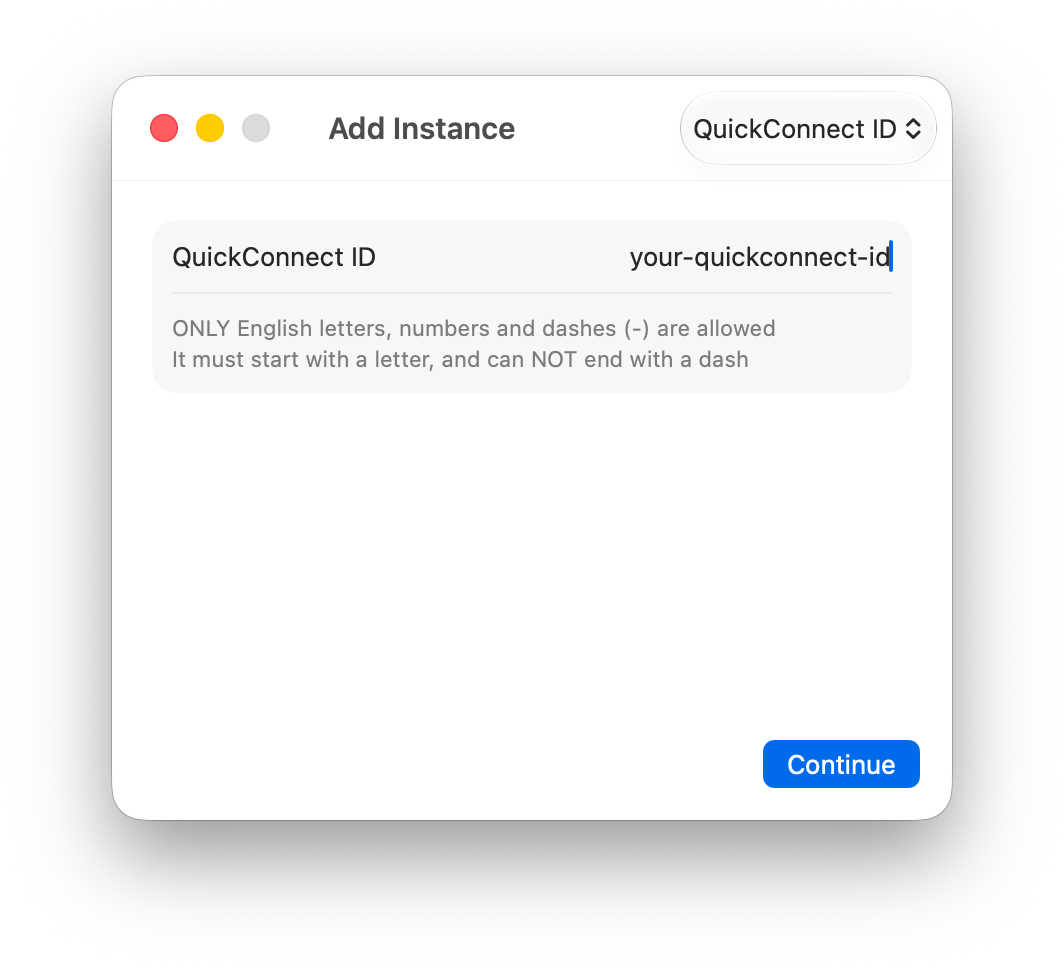
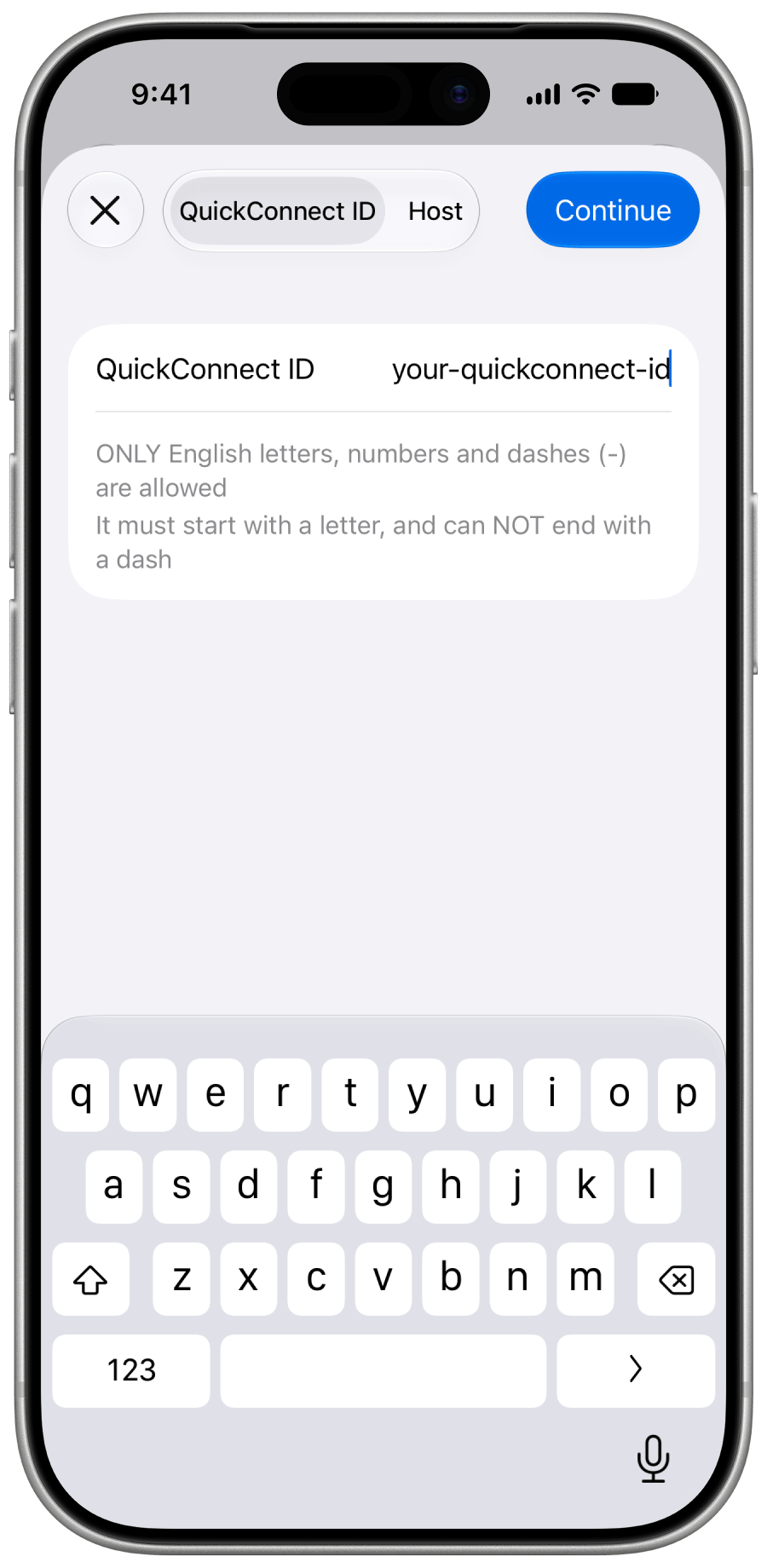
Multi-instance Management
🎛️ Every task, in full detail
View the full, clear status of any task, anytime —


✨ And there's more
- Bulk manage download tasks
- Synology NAS System Status
- QuickConnect Remote Access
- Built for DSM 7
- Stay Signed In
- Two-Factor Authentication
- User Quota Management
- iCloud Sync
- Dark Mode
- Personalized App Icons
- Roadmap
💁 Frequently asked questions
Start Using Swads
Currently available through TestFlightSupports iOS 18.6+ or macOS 15.6+